
Where to configure
In Shopify Admin, open the FEMA app and click Shipping mapping in the sidebar.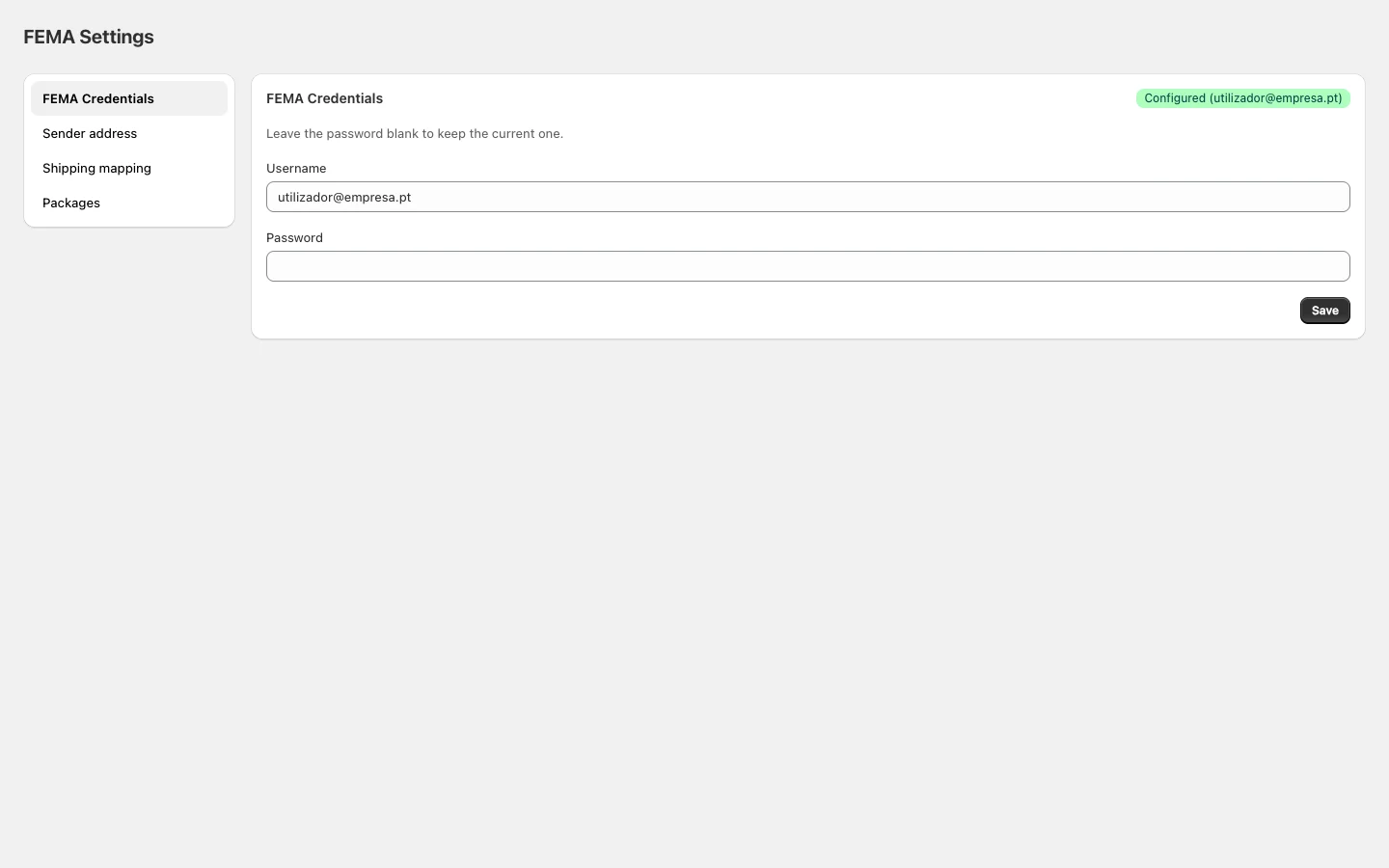
Label format
Choose the size of generated PDF labels:How to configure
- Select the desired Label format.
- For each listed shipping method, choose the corresponding FEMA service from the dropdown.
- Click Save.
Mapping uses exact name matching. The Shopify method name must match exactly what is configured here — no partial or fuzzy matching.