
What they’re for
Packages are pre-defined templates for boxes or envelopes. When creating a shipment (individual or bulk), you can select a package instead of entering dimensions manually each time.Where to configure
In Shopify Admin, open the FEMA app and click Packages in the sidebar.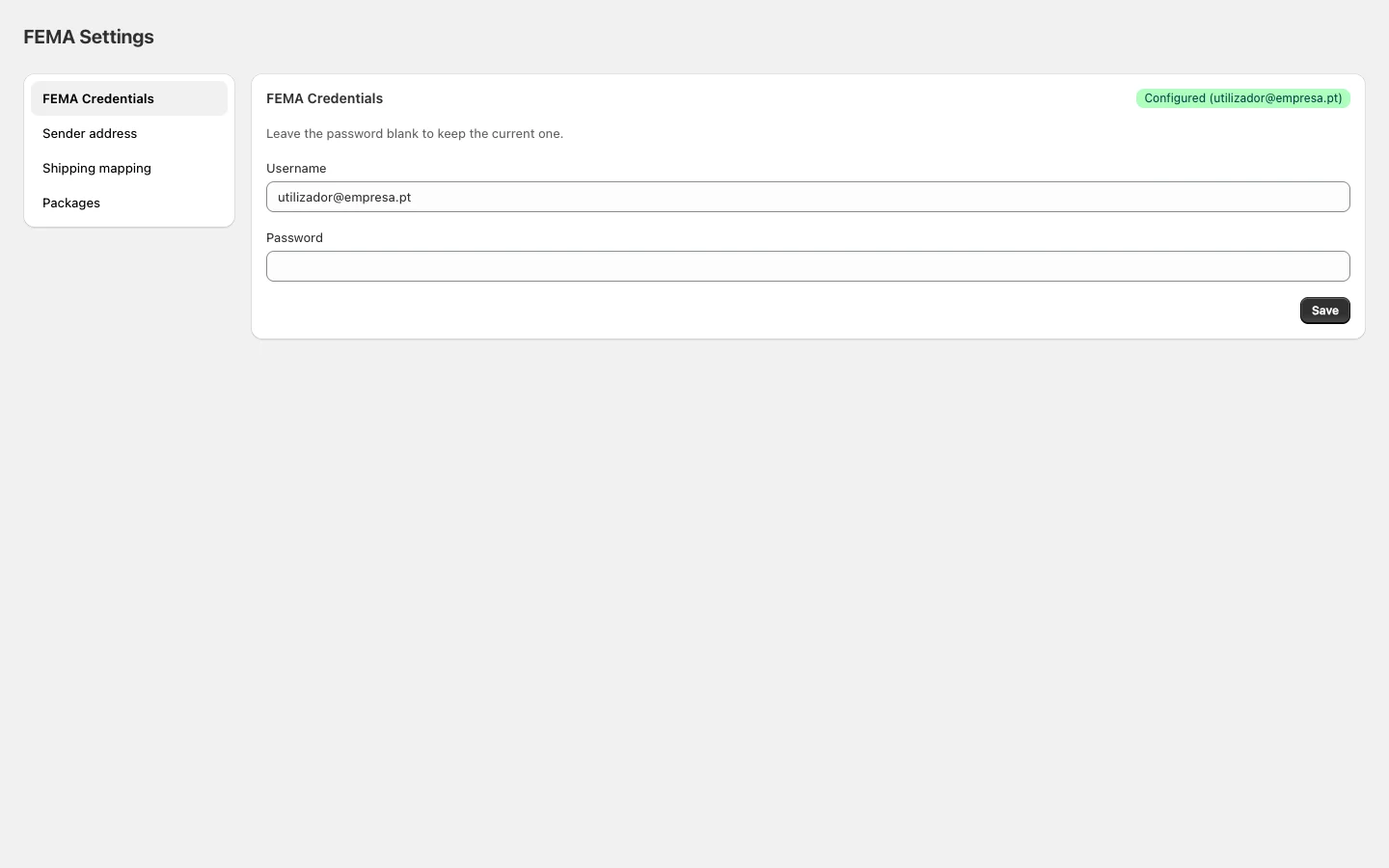
Package types
Adding a package
- Click Add.
- Enter a name (e.g. “Small box”).
- Select the package type.
- Enter dimensions in centimetres: length, height, width.
- Click Save.
Editing or removing
- Click Edit on a package to change its properties.
- Click the trash icon to remove it.
No packages configured
If you don’t configure any packages, shipments are created with FEMA’s default dimensions:
To customise dimensions per shipment, use the block on the individual order page.