
What it is
The FEMA block appears in the sidebar of each order in Shopify Admin. It lets you create a shipment, check tracking status, and print the label, all without leaving the page.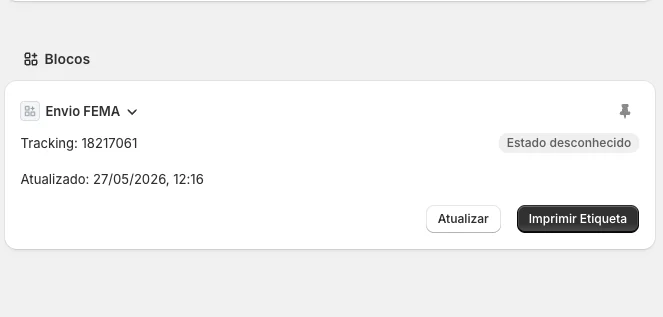
Adding the block (first time)
If the block isn’t visible on the order page, you need to add it once manually:- Open any order in Shopify Admin.
- In the right sidebar, click the + button.
- Search for FEMA in the list of available blocks and click to add it.
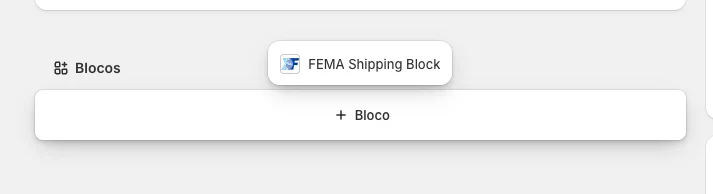
This setting is saved — you don’t need to repeat it for other orders.
Creating a shipment
When no shipment exists for the order, the block shows:- Package: select from your configured packages (if any). If none are configured, FEMA’s default dimensions are used.
- Volumes: number of volumes (1 to 10).
- Click Create shipment.
Viewing an existing shipment
When a shipment already exists, the block shows:- Tracking number
- Current status (colour-coded badge)
- Last updated (date and time)
Printing a label
- Click Print label.
- The label opens in a new tab as a PDF, ready to print.
If the order hasn’t been marked as fulfilled in Shopify yet, the app marks it automatically when printing.